TL;DR: When a client’s WordPress site gets hacked, use the first hour to contain the damage and keep the client informed. Confirm the hack, message the client, back up the hacked copy, lock every account, find the likely way in, then start the cleanup. Send a written report within two days.
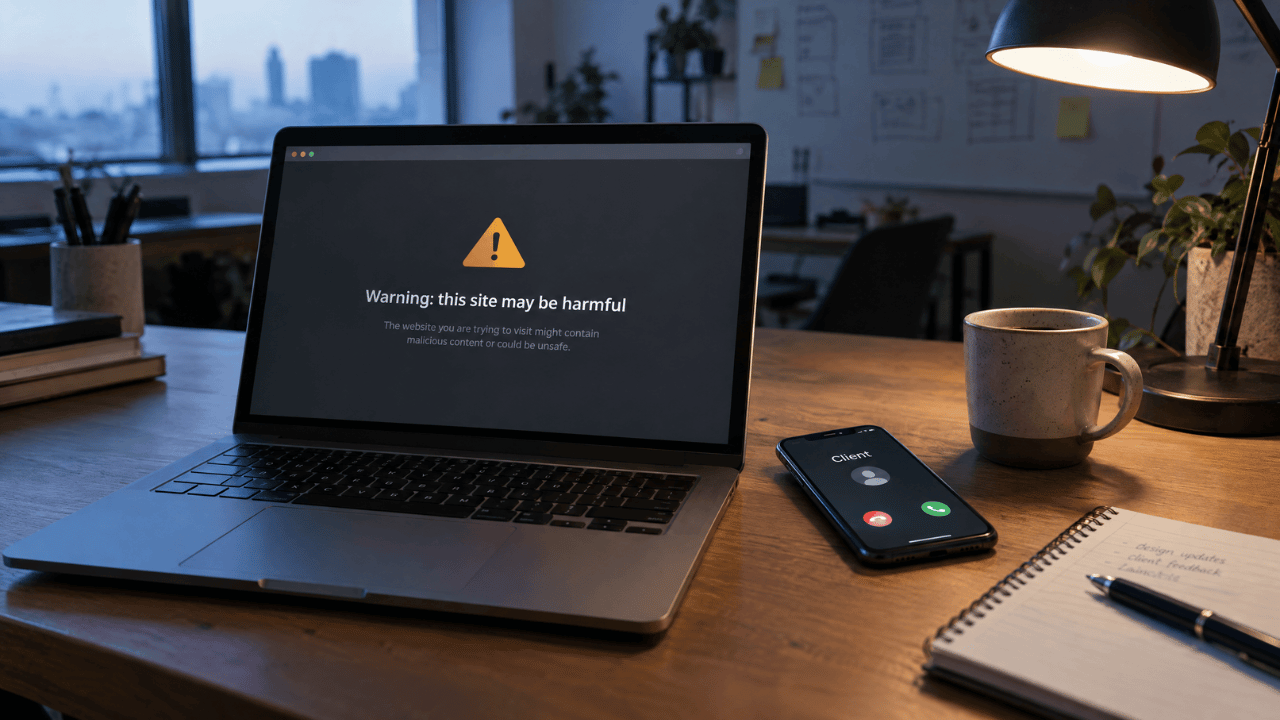
It’s 7:40 a.m. and your phone is already buzzing. A client says customers are seeing a security warning when they search for the business, and the homepage now redirects to a site selling knockoff sneakers. They want to know how bad it is, and they want an answer now.
You don’t have that answer yet. What you do have is the next hour, and it decides two things: how far the damage spreads, and whether this client still trusts you next month. When a WordPress site is hacked, the order you work in matters as much as the fixes, and the client should hear from you at every stage.
Here’s how that hour breaks down, followed by the report that keeps the account.
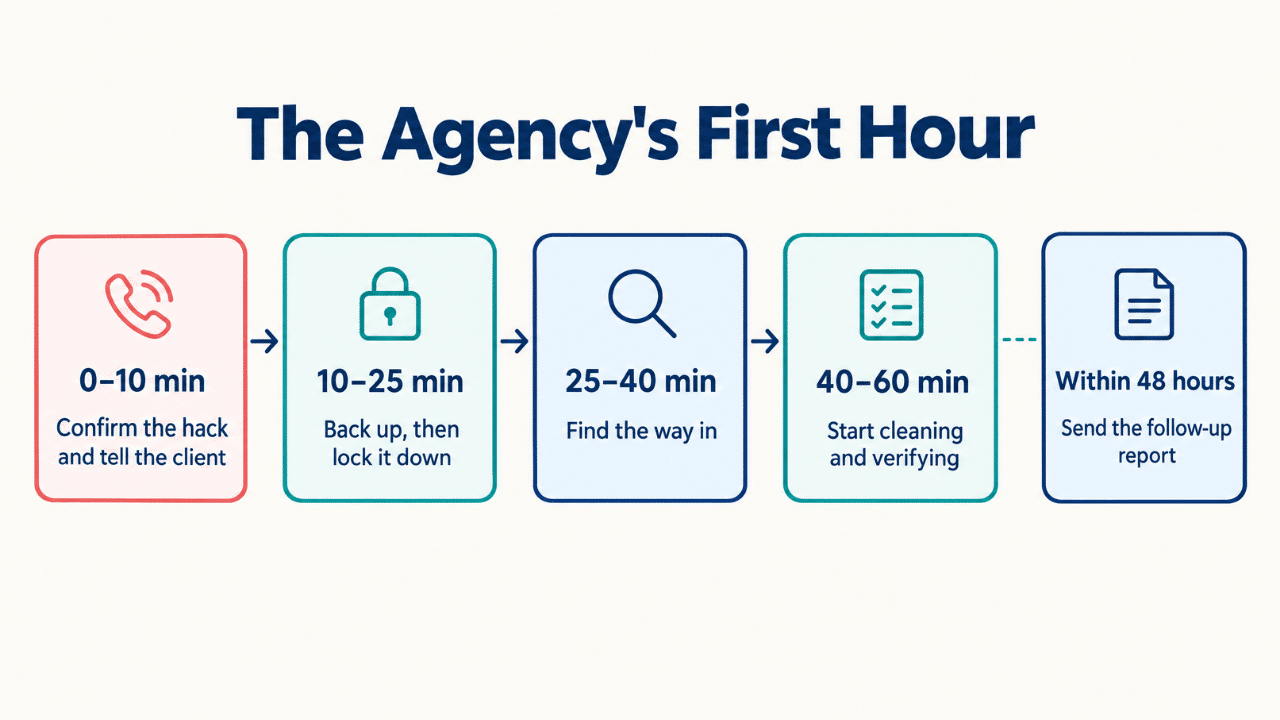
| Minutes | Focus | Done when |
|---|---|---|
| 0–10 | Confirm the hack and tell the client | The client has heard it from you first |
| 10–25 | Back up the hacked site, then lock it down | Every password and session is reset |
| 25–40 | Find the way in | You have a likely cause and a list of suspects |
| 40–60 | Start cleaning and verifying | The client knows the plan and the next update time |
| Within 48 hours | Send the follow-up report | The client has it in writing |
1. Confirm the hack, then tell the client first (minutes 0–10)
Spend the first ten minutes confirming what’s wrong, then contact the client before a customer or Google beats you to it. Clients forgive a hack faster than they forgive silence.
Start with what a visitor sees. Load the site in a private browser window and on your phone. Some redirects only fire for logged-out visitors or mobile users. Look for redirects, pages you didn’t publish and spam links. Then open the Security issues report in Google Search Console. If Google has flagged hacked content, malware or social engineering, it shows up there.
Write down what you see, when you saw it, and your time zone. WordPress.org’s own hacked-site checklist starts with the same step, and those notes become the backbone of your report later.
The first message to the client
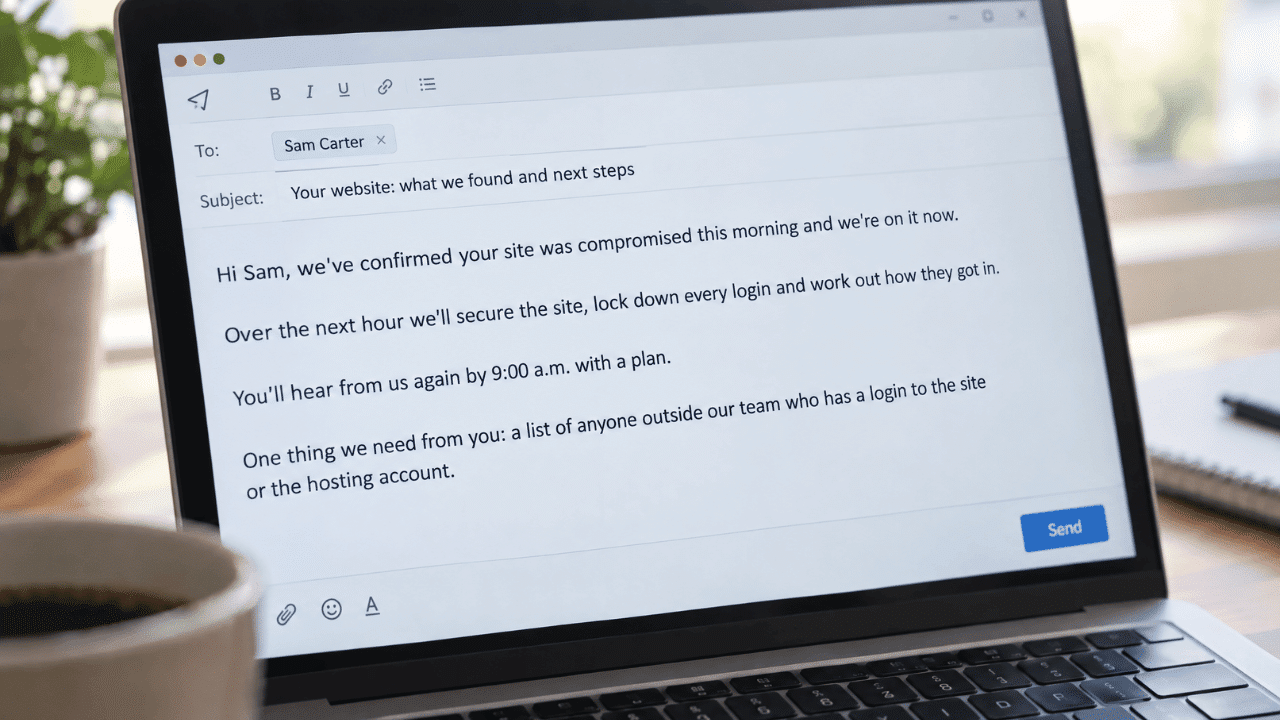
Keep it short and factual, with no blame and no guesses about the cause. Something like this works:
Hi Sam, we’ve confirmed your site was compromised this morning and we’re on it now. Over the next hour we’ll secure the site, lock down every login and work out how they got in. You’ll hear from us again by 9:00 a.m. with a plan. One thing we need from you: a list of anyone outside our team who has a login to the site or the hosting account.
2. Lock it down and save the evidence (minutes 10–25)
Contain the damage in this order: back up the hacked site as it is, then close every way back in. Cleaning first destroys the clues you’ll need later.
Take a full backup of the files and database before you change anything. WordPress.org recommends keeping a snapshot of the infected site for later forensics, and the FTC’s breach response guide tells businesses not to destroy forensic evidence while they fix the problem. That backup is how you’ll answer “how did this happen?” when the client asks next week.
Then lock it down:
- Take the site offline if it’s sending visitors to harmful pages. Otherwise, put it in maintenance mode.
- Force a password reset for every WordPress user, starting with administrators.
- Generate new secret keys in wp-config.php. WordPress.org notes this logs out anyone still signed in.
- Change the hosting, SFTP and database passwords.
Contact the host next and ask whether other sites on the same account show signs of trouble. On shared hosting, a hack can spread to neighboring sites.
Watch Out: Label that backup clearly as infected and store it away from the live server. An easy way to get hacked twice is a teammate restoring the wrong copy.
3. Find the way in (minutes 25–40)
Start where break-ins usually begin: outdated plugins and themes, reused passwords and admin accounts nobody remembers creating. If you clean the site without finding the cause, the same hole stays open.
Check plugins first. Patchstack’s 2026 security report found that 91% of the WordPress vulnerabilities disclosed in 2025 were in plugins, 9% were in themes, and only 6 were in WordPress core. The same report puts the median time to mass exploitation for heavily exploited flaws at 5 hours, and says 46% of vulnerabilities had no fix in time for public disclosure. Put any plugin that’s a few days behind on updates on your suspect list.
Work through this list before you commit to a theory:
- Plugins and themes with pending updates, or ones the developer no longer maintains
- Admin users nobody recognizes, including old accounts for former staff and contractors
- Login and access logs, if the host keeps them
- Files changed recently, especially in folders that rarely change
Agencies have their own weak spots. The freelancer who helped with a redesign two years ago may still have an admin login. And a shared agency password used across several client sites turns one leak into many.
Pro Tip: Don’t stop at the first suspect. Attackers often leave a second way back in, so finish the list before you start cleaning.
4. Clean the files and the database, then verify (minutes 40–60 and beyond)
Replace what you can with trusted copies, clean what you can’t, and check the result before you bring the site back online. This work starts inside the hour on a simple site and runs longer on a messy one, which is fine as long as the client knows.
Replace the /wp-admin and /wp-includes folders over SFTP with fresh copies of the same WordPress version the site runs. WordPress.org’s hacked-site FAQ explains why: installing from the dashboard may not overwrite files an attacker added. Reinstall plugins and themes from their official sources rather than trusting the copies on the server.
Next, check the files WordPress.org lists as common targets: .htaccess, index.php, header.php, footer.php and functions.php. Look at wp-config.php too, and search the uploads folder for PHP files, which don’t belong there on most sites. In the database, look for admin users you didn’t create, plus spam links or scripts injected into posts and settings.
Once the site is clean, change every password again. WordPress.org recommends a second reset after cleanup, on top of the first one. Update WordPress, plugins and themes, then bring the site back online.
By minute 60 the job may not be finished, but the client should still know the plan and exactly when they’ll hear from you next.
5. Write the follow-up report that keeps the client (within 24–48 hours)
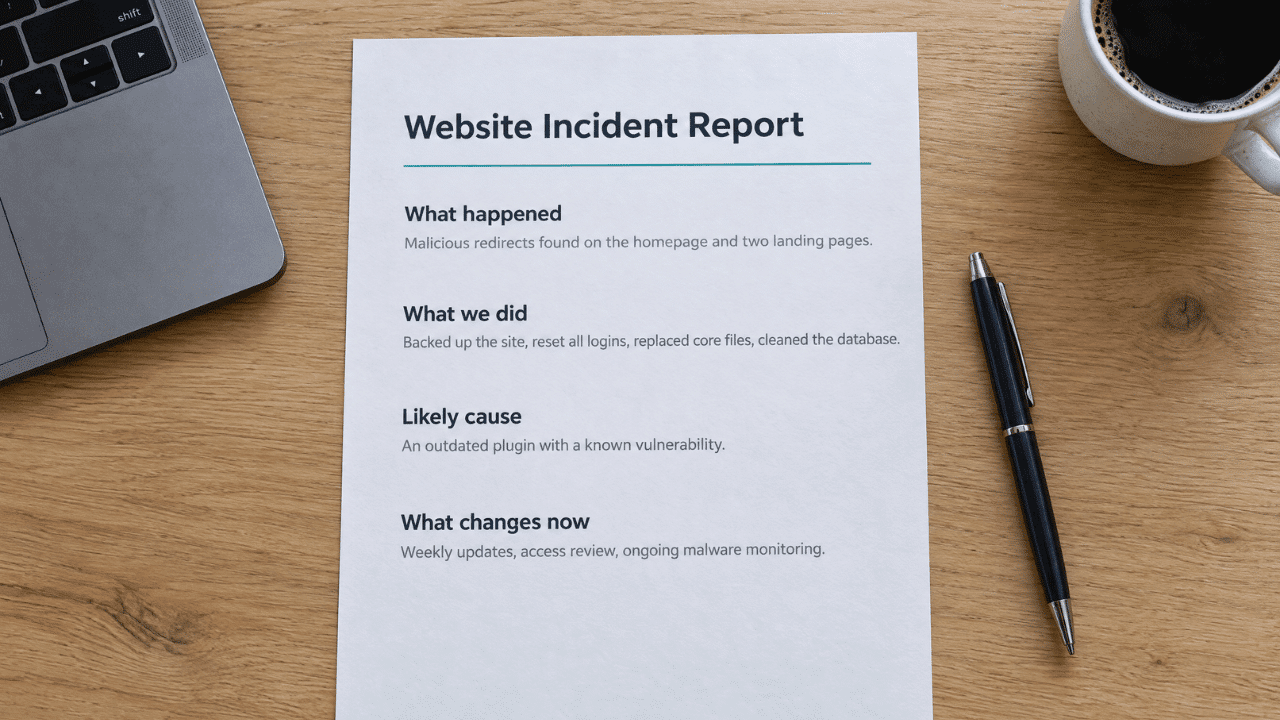
A short, plain report turns a bad week into proof the client hired the right agency. Send it within two days, while the details are still fresh.
Keep it to four parts:
- What happened: what you found, and when.
- What we did: each step, with times from your notes.
- What we think caused it: the likely way in, stated with honest confidence.
- What changes now: updates, access clean-up and ongoing monitoring.
If Google flagged the site, click Request Review in the Security issues report once the cleanup is done. Tell the client up front that Google says reviews can take several days or weeks, so the warning won’t vanish overnight.
For the “what changes now” section, recommend monitoring that doesn’t depend on the server that was just compromised. (Disclosure: I work at Guardian Gaze.) Guardian Gaze is an AI-powered WordPress malware scanner and website security monitoring platform that detects malicious code, suspicious file changes, compromised plugins and themes, and other indicators of compromise. Its analysis runs outside the site, so a compromised site doesn’t control its own scanner. The Agency plan adds client-friendly security reports.
Quick Win: Save your first client message and this report outline as agency templates today. Next time, those minutes go to the site itself.
Frequently asked questions
How do I know if a WordPress site has been hacked?
Common signs include redirects to other sites, pages or ads you didn’t add, admin users nobody created, and warnings from Google or your host. Check the Security issues report in Google Search Console to see whether Google has flagged hacked content or malware.
Why do WordPress sites get hacked?
The usual suspects are vulnerable plugins or themes and weak or reused passwords. Patchstack found that 91% of the WordPress vulnerabilities disclosed in 2025 were in plugins, which is why outdated plugins are the first place to look.
How long does it take Google to remove a hacked-site warning?
After you fix the site and request a review, Google says most reviews take several days or weeks. Don’t resubmit early. Google warns that a premature resubmission can slow down the next review.
Plan the hour before you need it
Clients remember how you handled the morning their site went down, long after the warning clears. Write down your first-hour plan now, so the next 7:40 a.m. call starts with a checklist you already trust.
About the author
DeShea Witcher handles partnerships at Guardian Gaze, an AI-powered WordPress malware scanner and website security monitoring platform that detects malicious code, suspicious file changes, compromised plugins and themes, and other indicators of compromise. He writes about how agencies and site owners recover from WordPress compromises. guardiangaze.com/wp
The post A Client’s WordPress Site Just Got Hacked: The Agency’s First Hour appeared first on Visualmodo.


0 Commentaires