If you opened YouTube tonight and got hit with a blank homepage, endless loading, or that brutal “Something went wrong” message, you are not imagining it. A major YouTube outage has been reported across the US and beyond, with a sharp spike in user reports on outage trackers and a flood of complaints across social platforms. In this article, we’ll explain why YouTube is down and review reports from millions of users experiencing the outage, ‘Something went wrong’.
Outages like this feel personal because YouTube is not “just an app” anymore. It’s background music, homework explainers, sports highlights, business tutorials, creator income, customer support videos, and in many cases the main video engine behind thousands of small sites.
This guide breaks down what’s happening, how to tell whether it’s a platform wide outage or a local problem, and the fastest fixes worth trying while YouTube stabilizes.
YouTube Down: What happened, what users are seeing, and what we know so far
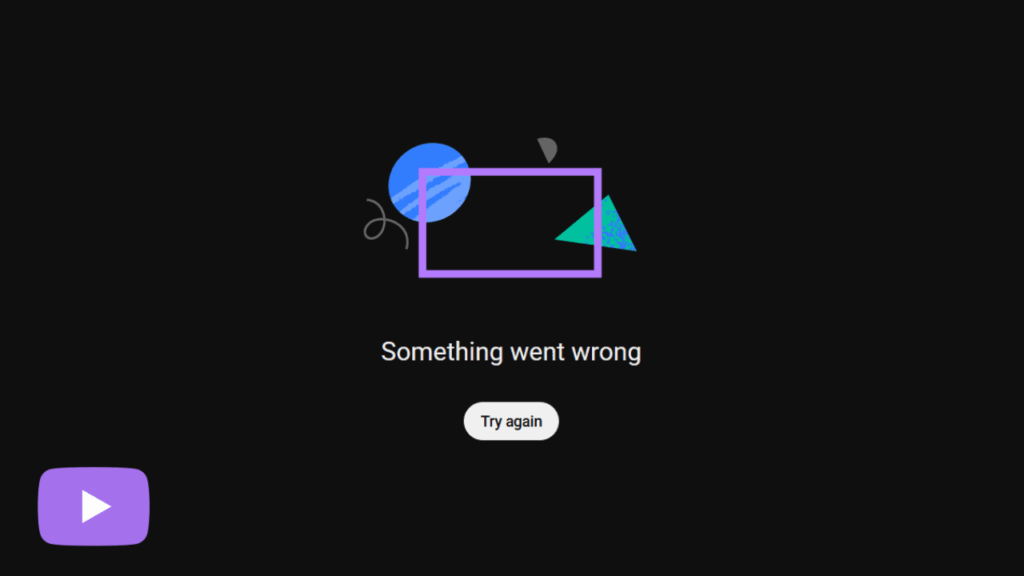
On Tuesday, February 17, 2026, users began reporting widespread problems accessing YouTube, with outage reports climbing into the hundreds of thousands in the US depending on the tracker and timestamp. Reports also spiked in the UK and other regions, suggesting this was not limited to one city or one ISP.
The most common symptoms reported were:
The YouTube homepage failing to load, or loading partially
Videos refusing to start, freezing, or throwing a playback error
Mobile users seeing “Something went wrong” inside the app
YouTube TV disruptions reported alongside the main platform, including failed loads and stream errors on smart TVs and mobile devices
Some users noting that a few direct video links still worked while the homepage and recommendations were broken
As of early reports, there was no confirmed public root cause, and there was no single official explanation widely cited at the time many outlets published their first updates.
Is YouTube down for everyone, or just you?
This is the key question, because the fix depends on the answer.
If YouTube is down globally or regionally, your best “fix” is mostly patience, plus a couple of quick checks to confirm you are not stuck behind a weird device glitch. If it’s only happening to you, you can often solve it in minutes by clearing cache, updating the app, or resetting your connection.
Here’s the fastest way to separate an outage from a local issue.
Quick diagnostic table
| What you see | What it usually means | Fast thing to try first | What to check next |
|---|---|---|---|
| Homepage shows an error or stays blank, but some direct video links play | Platform issue or partial outage affecting feeds and services | Open a direct video link from a saved URL | Check Downdetector, then try a different network |
| App shows “Something went wrong” and nothing loads | Could be outage, could be app cache or account session | Force close the app and reopen | Try on desktop browser, then clear cache |
| Videos load on mobile data but not on Wi Fi | Local network or DNS issue | Restart router and phone | Try a different DNS, or test another Wi Fi |
| YouTube works on one device but not another | Device specific issue | Update the app or browser | Clear cache and cookies on the broken device |
| YouTube TV also fails to load streams | Wider platform impact, or service specific incident | Try a different channel or restart the app | Check official status updates and outage trackers |
| Everything else on the internet works, only YouTube is broken | Often a YouTube side problem | Wait a few minutes and retry | Check if others are reporting the same problem |
The fastest fixes worth trying right now
Keep this simple. When a platform is actually down, you do not want to spend an hour reinstalling things that are fine. Try this short sequence, stop when it works.
- Refresh once, then wait 30 seconds and try again
- Try YouTube in a different place, for example mobile app if you were on desktop, or desktop if you were on mobile
- Switch networks, Wi Fi to mobile data, or vice versa
- Force close the app, then reopen it
- Update the YouTube app, or update your browser if you are on desktop
- Clear cache, on mobile clear the YouTube app cache, on desktop clear site data for YouTube
- Sign out and sign back in only if everything else fails, sometimes an account session gets stuck during major incidents
Google’s own help documentation for the “Something went wrong, refresh or try again later” message focuses on refresh and troubleshooting steps like checking extensions, cache, and browser behavior, which is a good hint that this message can appear during both outages and local glitches.
The post YouTube Down: Millions of Users Face Problems Amid Outage; ‘Something Went Wrong’ appeared first on Visualmodo.




0 Commentaires